





Marymount Orientation App
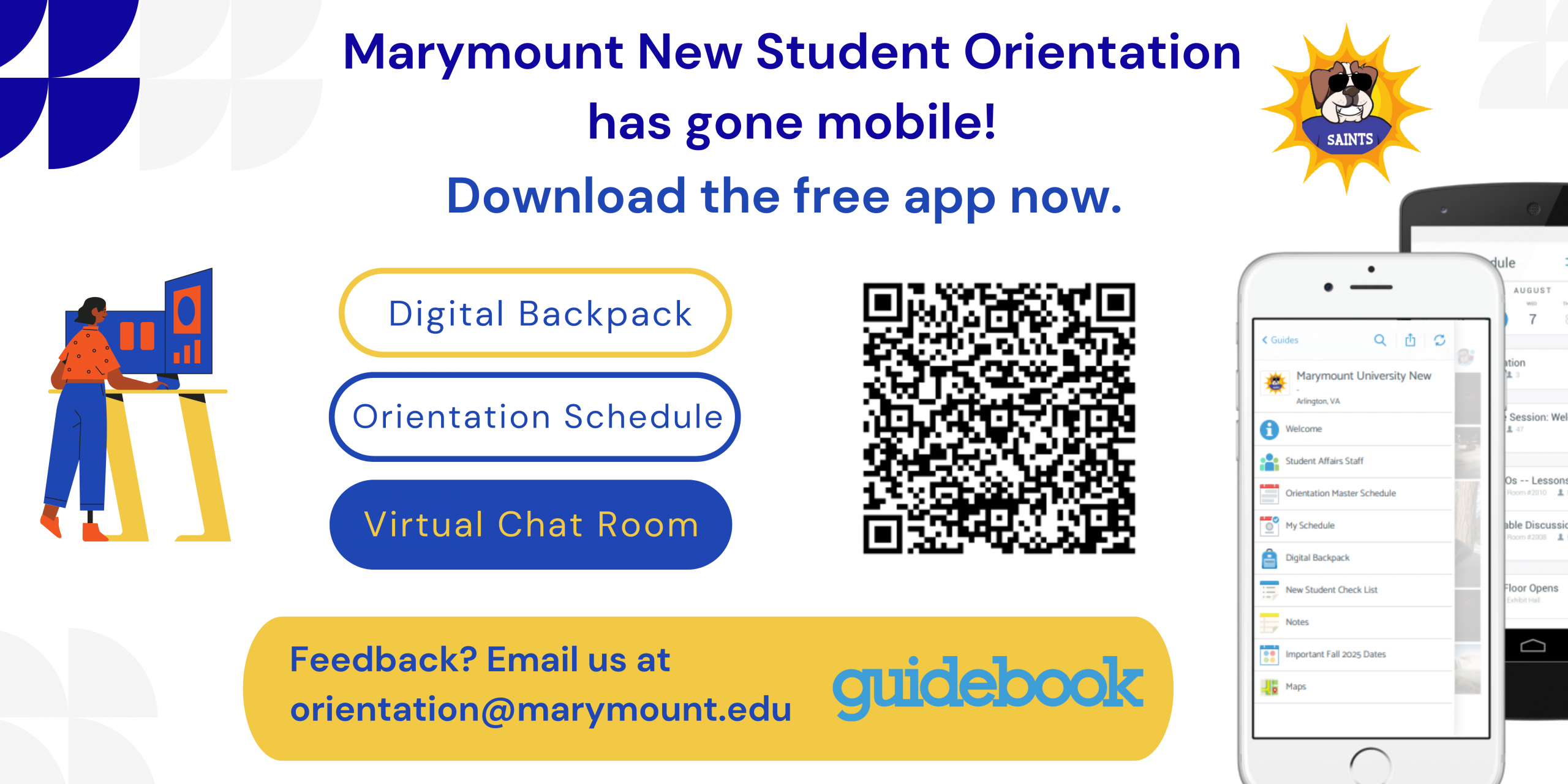
Want to check out the Orientation Schedule? Download our Marymount Orientation App Today!
To Register for virtual advising & New Student Orientation, please register here: https://apply.marymount.edu/portal/advising_nso
Once registered, please download the Orientation app which is available for all smartphones including iPhone and Android devices for free. The Marymount Orientation App will allow you to access your orientation schedule, campus map, and university resources. We ask that you take the time to download the app before arriving on campus.
Here are instructions on how to access the application on Apple devices:
- Search “Marymount Orientation” in the Apple App Store.
- Open the application
- Select “Find Guides” and search for and select “Marymount University New Student Orientation 2026”
- Select “Download Guide”
- Click the three lines in the left-hand corner to access the guide menu
Here are instructions on how to access the application on Android devices:
- Search “Marymount Orientation” in the Google Play Store.
- Open the application
- Select “Find Guides” and search for and select “Marymount University New Student Orientation 2026”
- Select “Download Guide”
- Click the three lines in the left-hand corner to access the guide menu
Once you have completed this process you are free to explore the schedule and all other resources included in our orientation guide!
