




Accessing MyLibrary
Use the login information below to:
- Sign in to MyLibrary.
- Request materials from off campus.
- View databases from off-campus.
For Marymount students, faculty, and staff:
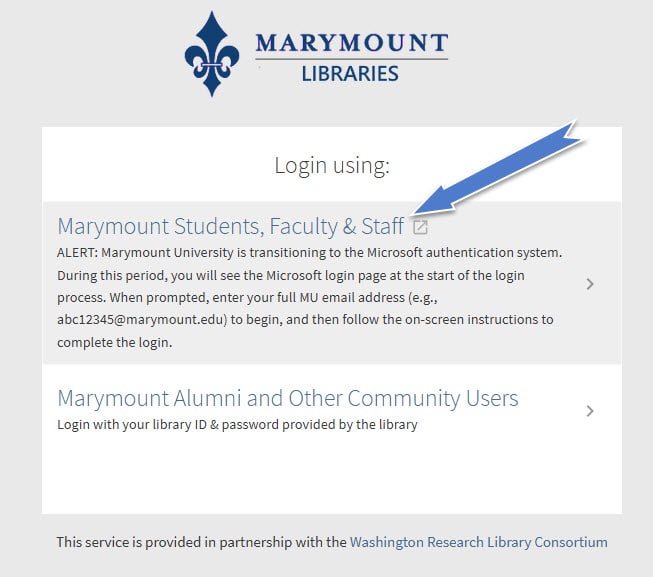
Step 1: Click on the first link on the MyLibrary log in page.
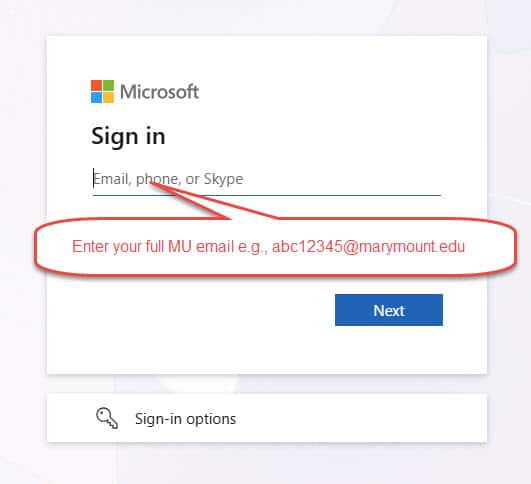
Step 2: Use your full MU email (e.g., “”) on the Microsoft Sign in page.
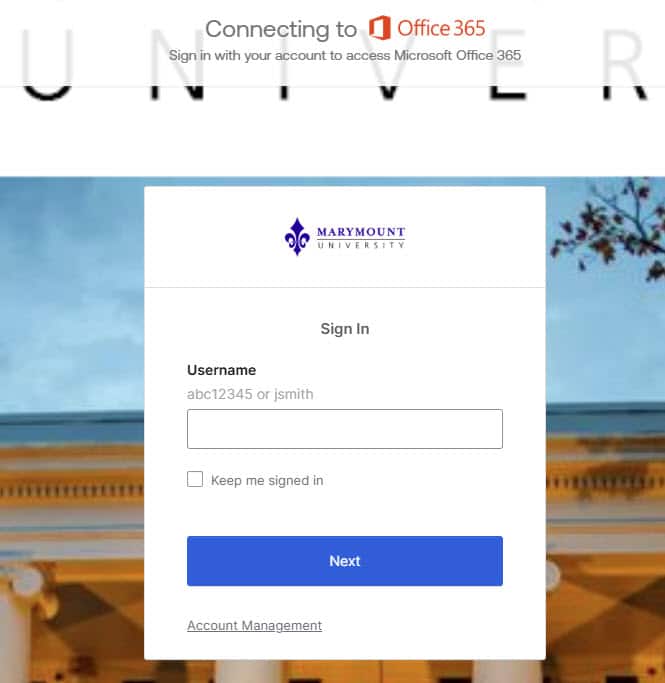
Step 3: Type in only MU username/login ID (e.g., “abc12345”) on the Marymount Office 365 Sign In page.
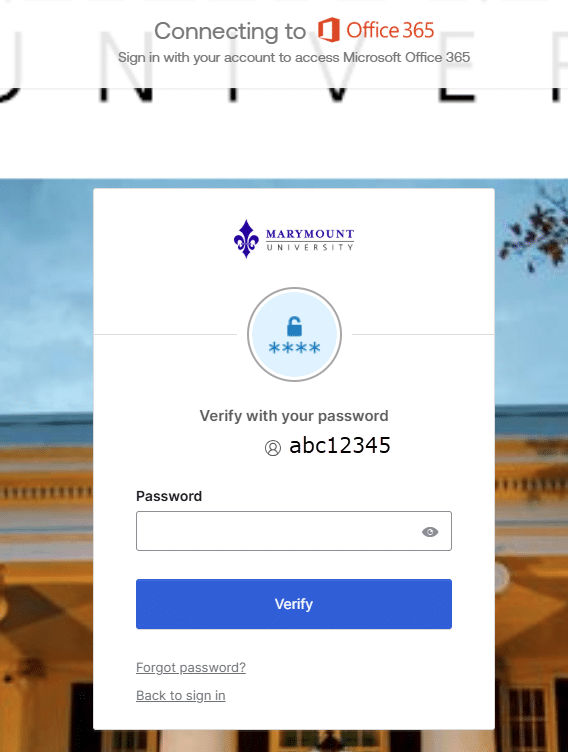
Step 4: Type in your MU password on the Marymount Office 365 password page.
Step 5: Select a security method to complete the Marymount MFA process.
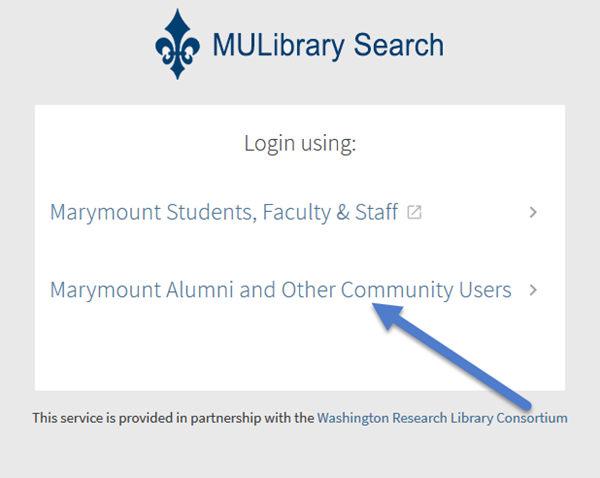
For Marymount Alumni and other community users:
Step 1. Click on the 2nd link on the log in page:
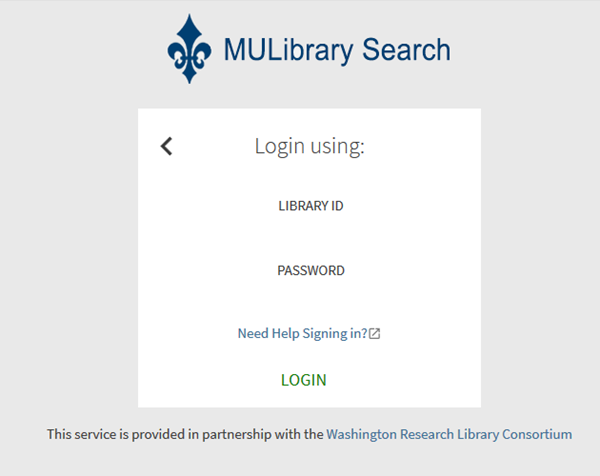
Step 2: Type in your Library ID and password to log in.
If you need help to access your library account, please contact our Circulation Desk.
